Peace of mind for modern families.
FamilyKey is a new kind of password manager, made just for families. Share logins safely with your kids, parents, carers, or anyone who needs a little extra support online. Simple, shared by default, and built to grow with you.
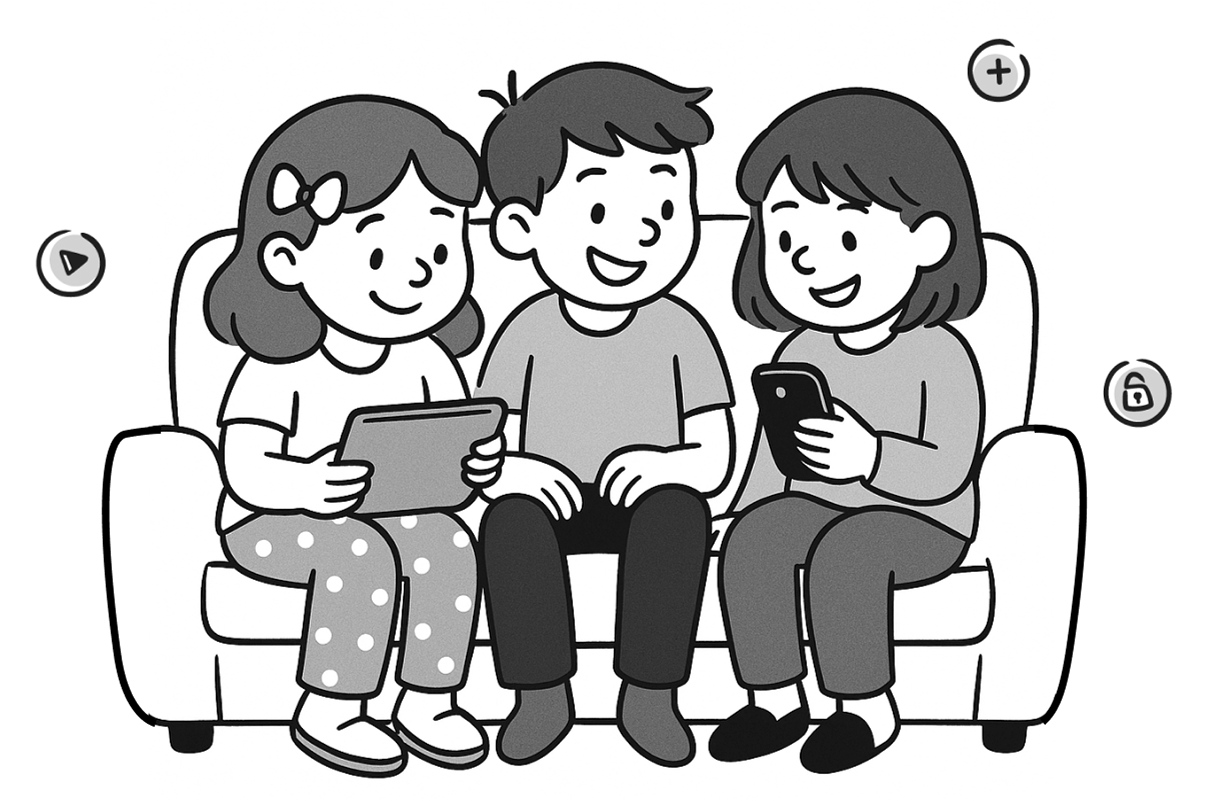
For Kids
A safe, simple way for kids to get online—without handing over the keys.
- Simple app thats easy to use
- View-only access to approved logins
- Easy copy + paste interface
- No delete or edit privileges

For Parents
Stay in control while teaching digital responsibility—one password at a time.
- Shared by default, never lost or siloed
- Add, manage or remove logins for your family
- Gradually hand over control as your kids grow
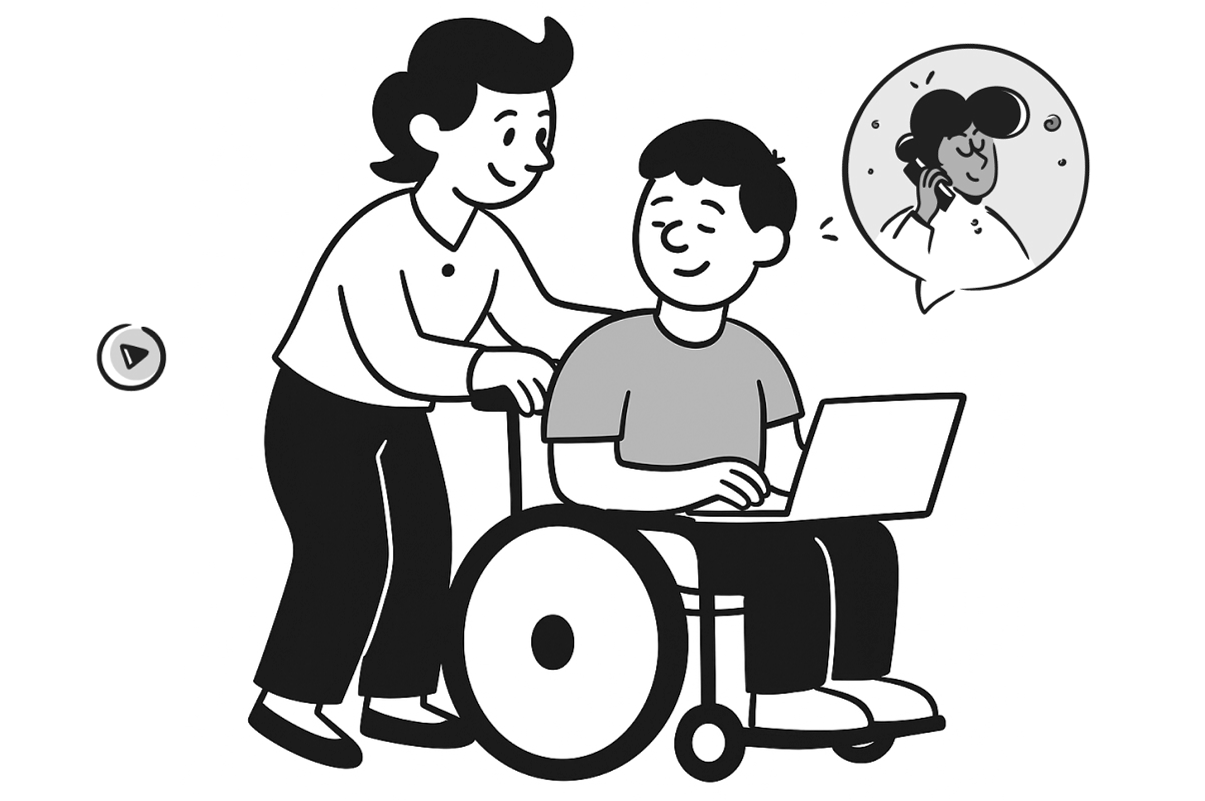
For All
Support loved ones with assisted access that's private, safe and secure.
- Ideal for grandparents or adults with cognitive challenges
- You stay in control behind the scenes
- They get the freedom to log in with confidence
For You!
The Family Tech Admin.

Now you've got backup.
If you're the one resetting passwords, writing them down for your parents, or helping your kids log into school apps — you're not alone.
FamilyKey is built for the person who keeps it all running. One place to manage logins for your whole household, with tools to keep everyone safer online — from your youngest to your oldest.
But we're not just here to take work off your plate. We're here to help your whole family build better digital habits, together.
Less Chaos, More Control
- One clean dashboard for the whole family
- Full-access or read-only accounts in seconds
- Update passwords once, share them instantly
- You control who sees what — and when
Safety Built In
- 24/7 email leak monitoring
- Smart alerts when accounts are at risk
- Simple, bite-sized lessons inside the app
- Kids learn safe habits, adults improve theirs
It's not just about saving time — it's about building digital confidence together.
We're like a co-pilot for your family's online life. You stay in control, while FamilyKey helps everyone learn better habits — kind of like Duolingo, but for passwords.
How it works
Your Kids, Safety First
You stay in control. They learn safe habits from day one. FamilyKey gives your kids access to the logins they need—like Netflix, Minecraft, or school portals—without the risk of them deleting, editing, or misusing anything.
We partner with you: while you manage what they see and use, we help teach them good digital habits inside the app. From recognising scams to avoiding password sharing, FamilyKey supports safer screen time for the whole family.
- You create and manage the shared password list
- Kids can copy passwords, but can’t change or delete them
- Read-only access keeps them safe while they learn
- In-app tips and guidance teach safe password behaviour
- Grows with them—like a digital 'pen licence'
Plus: Include Parents, Grandparents & Elders
Help your parents stay safe online too, without the secret notebooks and sticky notes.
Whether it's banking, email or Medicare logins, FamilyKey makes it simple to keep them secure and supported.
- Invite them with a tap, no tech skills needed
- Share the essentials across generations
- Peace of mind for you, independence for them
Tools designed for digital families

Built-in family sharing
Items are shared with your whole family by default—no vaults to set up, no fiddly permissions to manage. You can make any item private with one click, and kids only see what you've chosen to share with them.
For your family, this means less admin and more trust. Everyone gets what they need, safely and simply.

You're in full control of who-sees-what
As the account owner, you decide exactly what each person can see and do. Whether it's your kids, parents, or a carer, you manage access for everyone from one place.
This looks like peace of mind—no passwords floating around on paper, and no logins getting lost or changed without you knowing.

Read-only accounts that grow with your kids
Children start with read-only access—so they can see and use shared logins without changing or deleting anything. As they become more responsible, you can upgrade their access when the time's right.
This means kids can learn safe digital habits, while you stay in charge of what they access and when.

Simple access for anyone who needs it
Create easy-to-use, limited access accounts for grandparents, carers, or family members with disabilities. They get just the passwords they need, nothing more.
This helps you support the people you love—without relying on notebooks, memory, or risky password habits.

Safety Centre: alerts, insights and learning
We scan for password leaks 24/7, log account activity, and give you optional safety alerts for each family member. Plus, the Safety Centre delivers bite-sized lessons to help everyone stay smart online.
This means you're not just reacting to problems—you're building digital confidence across your whole household.

Bank-level security, without the complexity
All your family's data is locked behind strong encryption and a single primary password. Just one login to remember, and everything stays private—even from us.
This means no more spreadsheets, shared notes, or guessing games—just secure, simple access built for how families really work.
Works across all your family's devices
Your family isn't all on one device, and FamilyKey isn't either. Whether it's a parent's laptop, a child's iPad, or a grandparent's phone, FamilyKey keeps everyone covered.